
Getting started · Beginner-friendly
How to Invite Tenants to PropLog
Once a tenant is added to a property, they can report maintenance issues straight away — no app download, no account, no password. This guide shows you exactly what to click.
Last updated 11 August 2026
Quick check before you start
Tenants are added to a specific property, so you'll need that property in PropLog first. If you haven't added it yet, our Adding a Property guide walks through that in under a minute.
Open the property, then click "Add Tenant"
Go to Properties and click on the property this tenant lives at. Scroll to the Tenants section and click the green Add Tenant button.
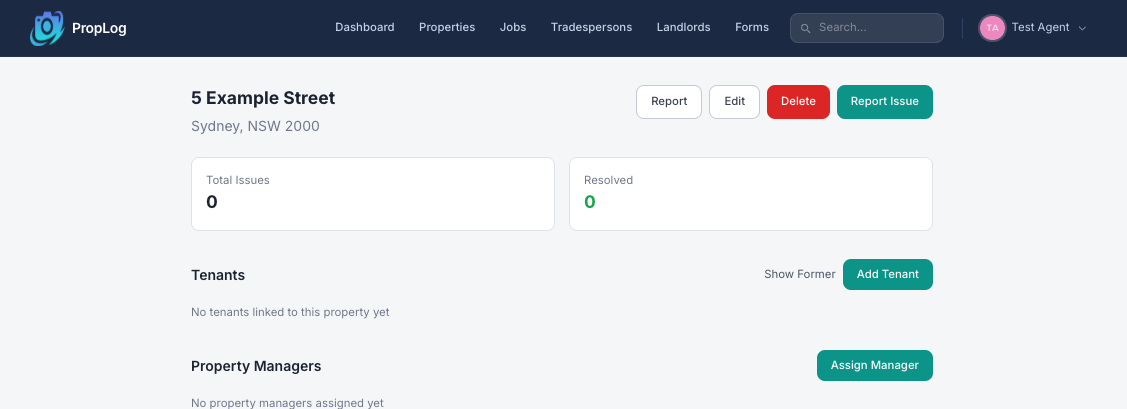
A form pops up. Here's what to type.
Just four boxes — and you don't need to fill in all of them.
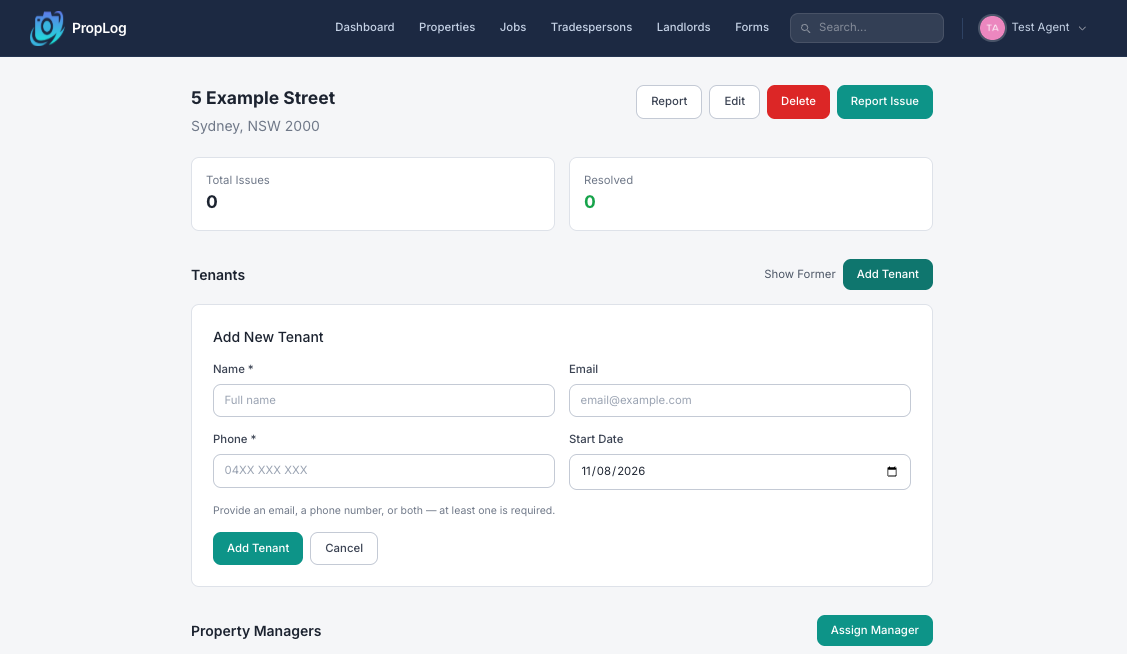
Name
The tenant's full name. This is the only box that's always required.
Email and Phone
Fill in an email, a phone number, or both — you just need at least one, so it works even if you only have their mobile number.
Start Date (optional)
When their tenancy began. Defaults to today — change it if you're adding someone who moved in earlier.
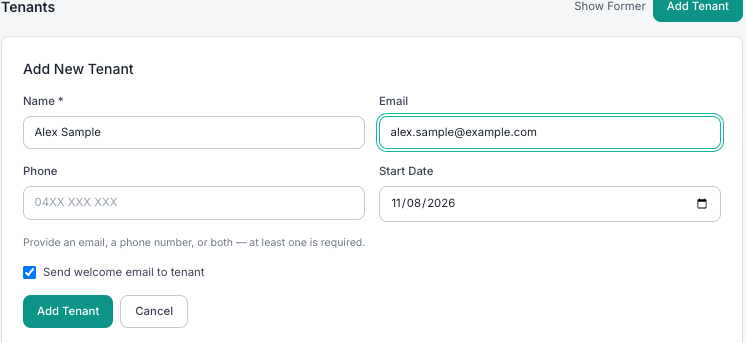
Tick the welcome email, then click "Add Tenant"
If you gave an email address, a "Send welcome email to tenant" box appears, ticked by default. Leave it ticked and PropLog emails the tenant a link they can use to report issues — no password needed. Once it looks right, click the green Add Tenant button.
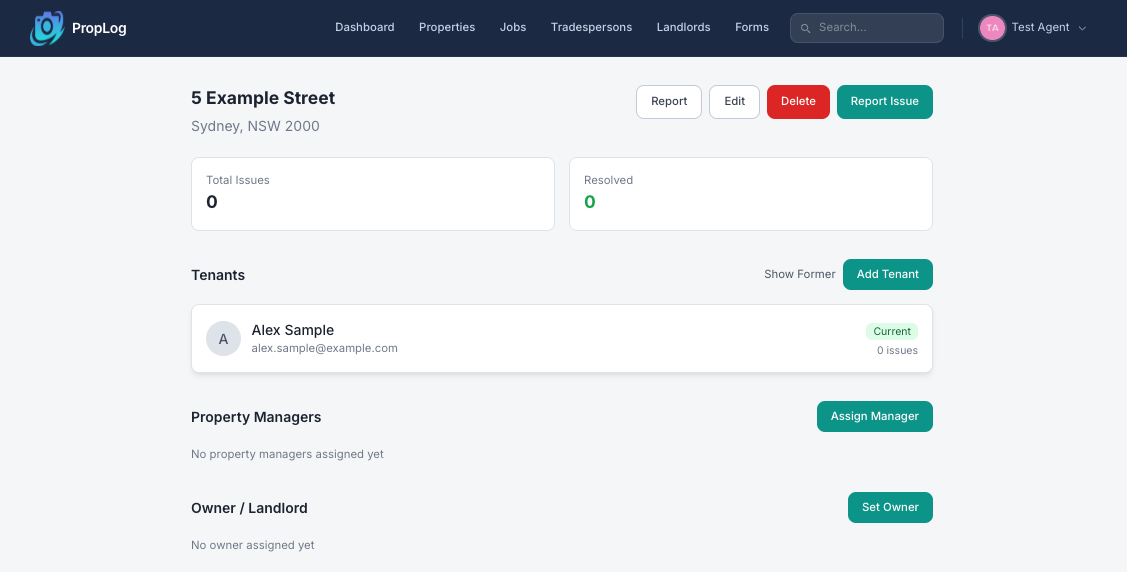
That's it — you're done!
The tenant now shows up on the property, marked Current. If they were emailed a welcome link, they can click it any time to report a maintenance issue — straight from their phone, with no login required.
A few things worth knowing:
- No email? No problem. A phone number on its own is enough — handy if a tenant only ever contacts you by mobile.
- You can add more than one tenant. Shared houses and co-tenancies just need the Add Tenant step repeated for each person.
- Forgot to invite someone? Come back any time — Add Tenant is always there on the property's page.